Imersar · VR and immersive experiences
Getting Started with Imersar Apps
Five easy steps to help you install and explore Imersar apps.

1. Find the App
Imersar apps are available on several platforms. Store as a Medium can be found on Google Play, while Cosmic Stroll 2 IME and other experiences are available through supported app stores and download pages.
2. Install the App
Choose the application and select the Install, Get or Download button to install it on your device.
3. Open the App
After installation, open the experience from the device home screen, applications folder or app launcher.
4. Explore the App
Take time to learn the navigation, menus, settings and interactive features available within the experience.
5. Stay Updated
Check for updates periodically. New releases can include content, compatibility improvements, performance changes and bug fixes.
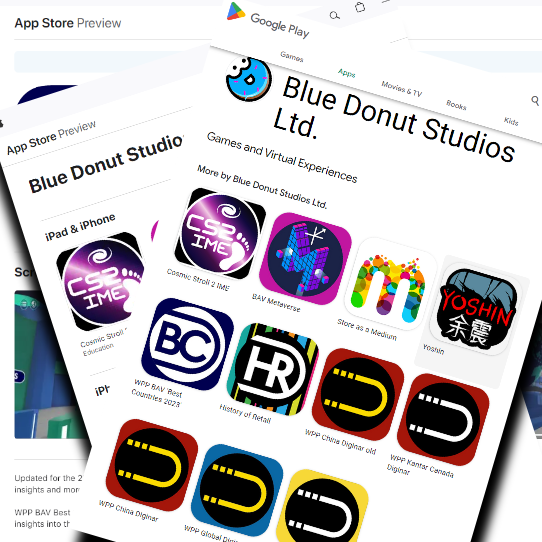
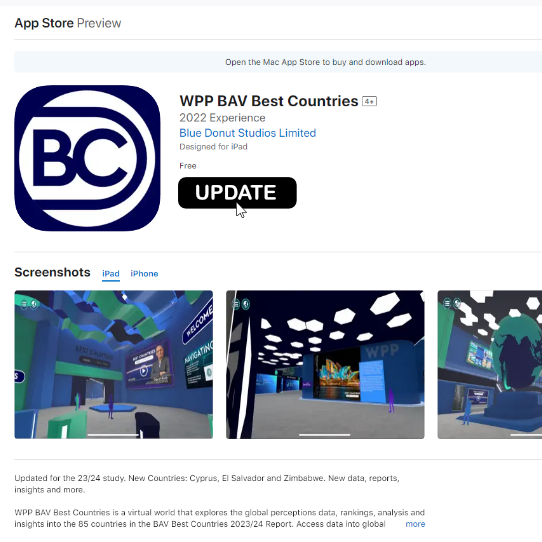
Each app may have its own platform requirements and instructions. Read the available store information and project page before installation.
The Imersar Engine
Reusable immersive application technology
The Imersar Engine is a set of tools that runs within the Unity game development engine. It provides reusable functionality for content management, API integration, usability, navigation and the delivery of immersive experiences across desktop, mobile and virtual reality.